Mataku, ā, Kōmaka rānei? Ngā kaipupuri mōhiohio kei runga i tō tepu
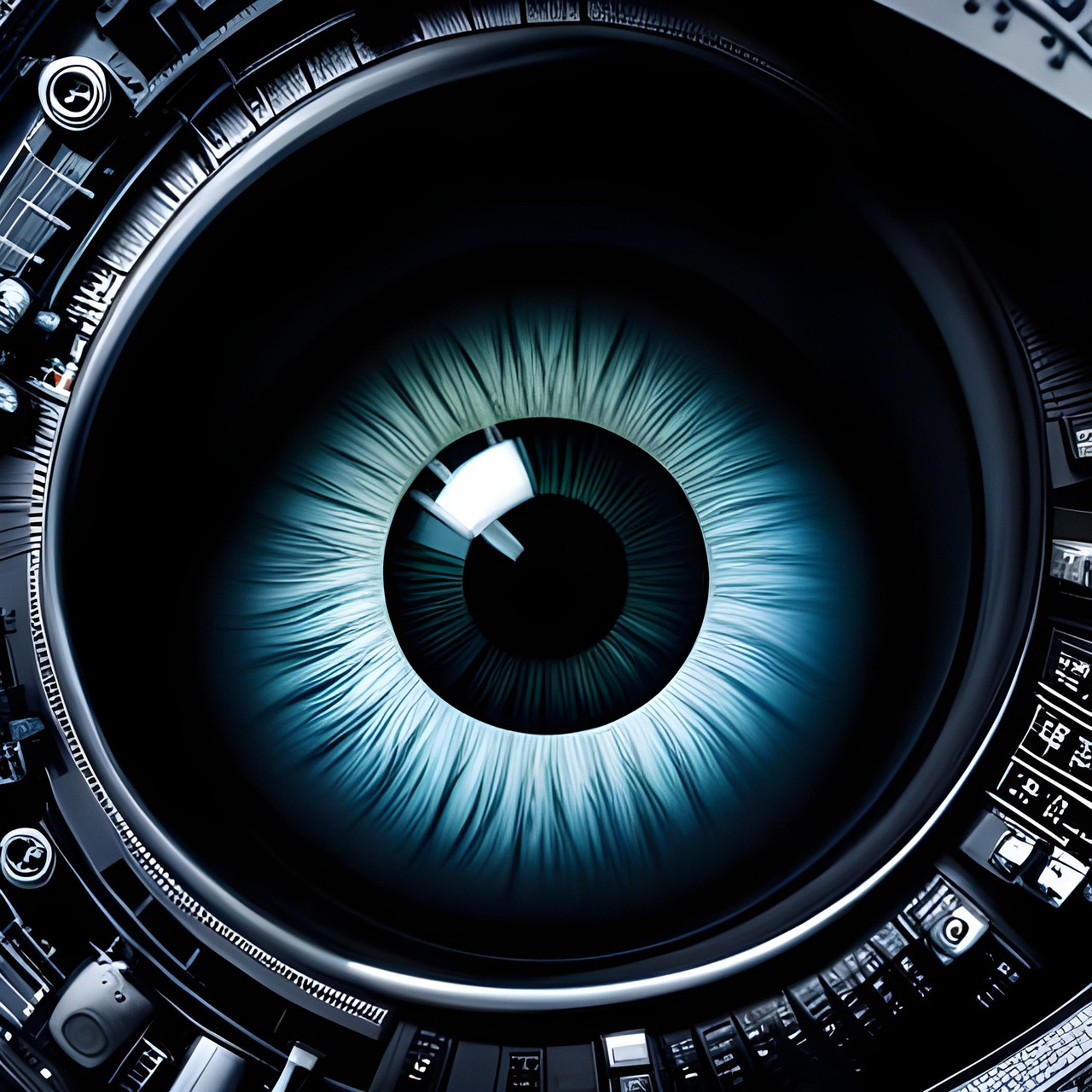
He wā noa iho ka riro mai ngā pātai nā te mea he aha au i whai i tētahi taumihini ki ngā pūoko marama o aku rorohiko me taku waea pūkoro. Ko ētahi e whakaaro ana kāore au e mōhio ki te rerekētanga o te pūoko marama me te kāmera, ā, ka whakamāramatia mai ki ahau kāore tēnei he kāmera. Ko te mea kāore rātou e mōhio ko te pūoko marama ka taea te whakamahi me ngā tikanga ako mīhini hei toha raraunga pēnei i te mea he kāmera pūhoi rātou.
Ko te nuinga ka rongo ahau mai i te hunga: “Engari kāore ā mātou mea hei huna!” Ae mārika, he nui atu āu mea hei huna i ō whakaaro, ā, ka taea te whāngai i ō raraunga ki ētahi atu raraunga i kohia mōu i ērā wāhi kē, hei whakaputa i te mātau i tētahi taumata kāore e taea e koe te whakaaro ki tōna āheinga. Ā, ko te hunga e kohikohi ana i ngā raraunga kāore pea e whai whakaaro tika ana. Ka taea e ngā rōpū raru rerekē te kohikohi i ō raraunga hei tātaritanga mā te AI, ā, ka taea te whakamahia mō ngā kaupapa me ngā hiahia rerekē.
I roto i te haumaru matihiko, ka whakaarohia e mātou, mēnā he pānga pea he momo whakaeke, ā, he wāhi hei whakahaere i taua whakaeke, nā, tērā pea he take kia whakahaere i ngā whakaeke katoa. Kāore mātou e whakaarohia ka tika tonu te take o te hunga ka taea te kohikohi raraunga kia kohikohi i aua raraunga. Kāore hoki mātou e whakaarohia ka kotahi anake te taha, te rōpū rānei e whakamahi i te ngoikoretanga ki te kohikohi raraunga.
Anei te rārangi o ētahi atu mea ka taea te whakamahi ki te mātaki i a koe, kāore pea koe e mōhio he āhei ā rātou.
Ka taea e te kaikōrero o tō pouaka whakaata te whakarongo ki a koe
I am one of those who usually choose a TV model without a microphone or camera before I need to physically remove those devices. I also have a home firewall and a secured internal network, but I have learned throughout the years not to only rely on logical controls. However, based on a WikiLeaks release in 2017 and documents from 2014, the CIA (in cooperation with MI5) turned speakers in certain TV models into microphones to collect data. They even developed a fake off mode to show that the TV is off when they collect those conversations. If you think your TV might listen to your conversation, it is better to unplug it when not in use. It also saves you some energy because plugged devices even while not in use may consume some electricity.
Ka taea e te pūoko māramatanga o tō papa rorohiko rorohiko rānei te pupuri i tō ringa, i tō ahua rānei
Ka whakatika au i te mārama o te mata ā-ringa i ngā wā katoa, Āe, e whakapono ana au he take pai tāku mō tēnā.
Ka whakamahia te pūoko mārama pāmu hei ine i te nui o te mārama me te whakatika i te marama o te mata. Ka taea te whakamahi i ngā pūoko mārama pāmu hei hopu whakaahua, taipitopito rānei hei hoko kupuhipa me ngā raraunga. He rōpū o Ngā kairangahau MIT i waihanga tata nei i tētahi whakamātautau mā te whakamahi i ngā āwhi ringa i hopukina e te pūoko mārama pāmu o tētahi papa rorohiko Android hei hopu i ngā pā ki te mata.
Ka rongo pea tō kiore i tō kōrero
He mea hakihaki tēnei! Kāore he kārioro, he kaikōrero rānei tō kiore hei whakarereke hei kārioro kia rongo ai i tētahi mea. However, he huaketo taha e mōhiotia ana ko “Mic-E-Mouse” e āhei ai tētahi kaihōia ki te whakarongo ki ō kōrerorero mā tō kiore.
He kiore kēmu mahinga tiketike (DPI tiketike) ka taea te kahakina e tōna pūoko ōmata, kia kōrero koe, ka taea te ine i ngā wiriwiri reo ki ēnei pūoko. Mā te whakamahi i ngā hātepe ako mīhini me ngā raraunga mai i ngā pūoko kiore, Ka taea e ngā kairangahau haumarutanga te tāutu i ngā kōrero mārama mai i ngā wiriwiri.
Ko ngā whakaekenga hongere taha he momo whakaekenga ōkiko e ine ana i ngā huringa o te huaputa pūrere i te wā e mahi ana tētahi pūrere i tētahi hohenga. Ko te tikanga he mātanga ake tēnei momo whakaeke, ā, ka ūkuia ētahi rawa pēnei i ngā kī whakamunatanga. However, mēnā ka hangaia he tikanga whakaeke mō ētahi momo pūrere, kāore e tino uaua ki te whakaroha ki ētahi atu pūrere ōrite me te whakaaunoa hoki.
Ngā pūoko nekeneke (gyroscope) ka taea te whakamahi hei hopu i tō reo
Now that we learned your mouse can be used to record your talking, it’s good to know that motion sensors can also be used for the same purpose. This is important as almost all modern smart devices like phones and tablets have a gyroscope or motion sensor. The sensor acts as a vibrating device, making it perfect for side-channel attacks and to capture voice, as sound waves can produce tiny vibrations.
Your hard disk drive (HDD) noise can be captured to steal sensitive data
Now that we’ve learned about side channel attacks, there is a type of attack called DiskFiltration developed by a group of Israeli researchers that can capture sensitive data from the sound of a hard disk drive working. This type of attack is sophisticated and aims at devices with an air gap. Mō ngā pūrere kore hononga rererangi, kāore te pūrere e hono ki tētahi whatunga pēnei i te ipurangi ā, he wāhi haumaru te nuinga o te wā e puritia ana. Ehara i te mea ka kore ngā pūrere kore hononga rererangi e pāngia e ngā pūrere rorohiko hākinakina. He tauira tawhito o ēnei pānga ko Stuxnet i whakawhitihia ki ngā pūnaha ngārara i Iharāna katoa he kore hononga rererangi.
I tēnei momo pānga, ka whakahoromia e te kaitāpoi te pūrere ki te pūmanawa kino e huri ana i te whakahaere o te pūrere. Ka taea te whakauru i te pūmanawa kino ki te pūnaha e te tangata kaiwherewere, te haere tahi rānei me ētahi atu tikanga. He pūrere kore hononga rererangi te pūrere, nā reira kāore e taea e te pūmanawa kino te tuku i tētahi mea ki waho. However, ka whakahaerea e te pūmanawa kino te pūrere i tētahi āhua kia neke te ringa taraiwa i ngā tauira motuhake. Ka taea te whakamahi i tētahi waea atamai, rorohiko rānei e tata ana engari kāore i te hono ki te ipurangi, hei hopu i te oro o te puku mārō kia taea te wetewete ano ki ngā raraunga i te wā e tuhi ana, e pānui ana rānei i te puku, ā, ka whakakore i te āputa rangi.
Ka taea e te kaiwhakāoho rorohiko te whakapā i ō raraunga
He SSD tō punaha, ā, kāore e whakamahia he HDD tākiri, haruru hoki. Nō reira, mēnā he āputa rangi tō pūrere, kāore e taea te tango raraunga whaiaro. Ae mārika! I tētahi atu rōpū kātoa rangahau i Iharaira i whakatipu he tikanga māu. Ahakoa kāore he hōpuni huri o tō SSD hei hanga haruru pēnei i te HDD, ka taea te whakamahi i te kaiwhakāoho rorohiko hei hopu oro ki te whakapā raraunga whaiaro mai i tō rorohiko āputa rangi. I tēnei momo pānga, Tuatahi ka pāngia te pūnaha āputa rangi e te hōtaka kino (tērā pea mā te tangata kino e uru ki tētahi wāhi haumaru), nā reira ka hurihia te tere o te pāhā whakamahana i ngā tauira motuhake. Ka taea te tuku i te raraunga mā te oro ki tētahi pūrere whakarongo tata.
Ka taea e ngā tohu WiFi te tirotiro i roto i ō pakitara
Ka peke ngā tohu WiFi i ngā tāngata i roto i te ruma. Ngā kairangahau ka taea te kite i roto i ngā pakitara ki te mōhio i tokomaha ngā tāngata kei roto i te ruma me te tautuhi i ia tangata mā te nekehanga me te āhua o te tinana, kāore he pūkamataki e hiahiatia.
More from me
 Application layer DDoS attacks, and how they can be mitigated
 The WAF is dead, long live the WAF!
 Ngā whakaekenga poka whakainu: he pēhea te hū atu o te APT me te hunga hara ā-ipurangi ki ngā hanganga haumaru
 The end of Suhosin; what is next?
 Te rahunga haumarutanga nui rawa o te ao tawhito: Ngā akoranga haumarutanga mai i te Riu o ngā Kingi
 Me pēhea te mahi ki ngā pūkenga aroturuki hōu; Ngā pihikete Zombie me te tapukara Kanaweti
Panui Take Pou
Ngā whakaaro, ngā pārongo, or opinions expressed are solely those of the author and do not necessarily represent those of his employer or the organizations with which he is affiliated.
The information contained in this post is for general information purposes only. The information is provided by Farhad Mofidi and while he strives to keep the information current and accurate, he does not make any representations or warranties of any kind, express or implied, regarding the completeness, accuracy, reliability, te tikanga, te wātea rānei o te paetukutuku. Kāore he whakaaturanga, he pūtāhui rānei a Farhad. ētahi mōhiohio rānei, ngā hua, ngā whakairoiro whai pānga rānei kei roto i tētahi Pou mō tētahi take.
Waihoki, Ka whakamahia pea te AI hei utauta hei whakarato huatau me te whakapai ake i ētahi o ngā ihirangi, rerenga rānei. Ngā whakaaro, ngā whakaaro, ngā whakaaro, ā, ko ngā hua whakamutunga taketake, ā, i hangaia e te tangata nā te kaituhi.